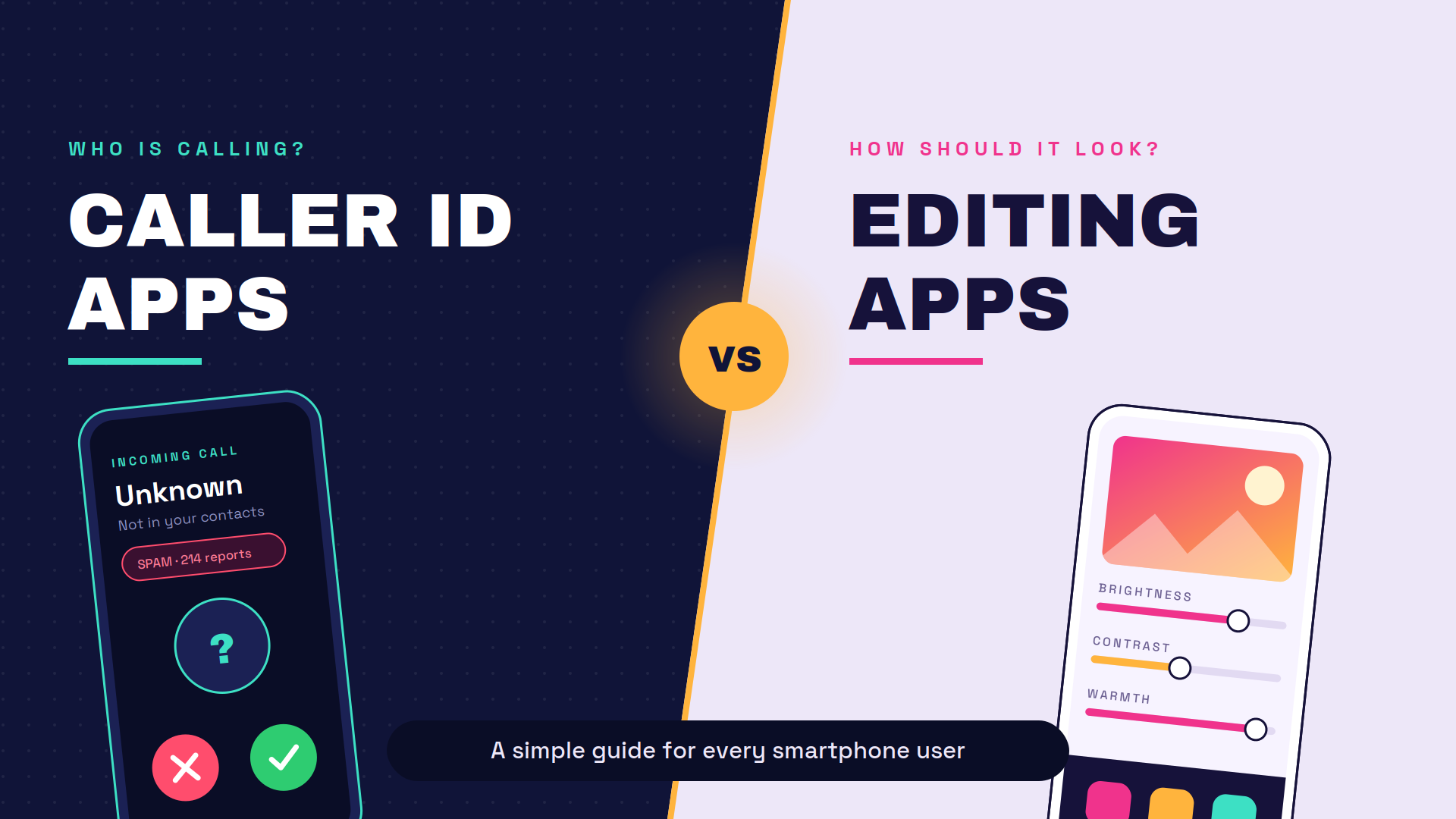
Caller ID Apps vs Editing Apps: A Simple Guide for Every Smartphone User
Almost every phone today has two kinds of apps that people use daily. One tells you who is calling. The other makes your photos and videos look better. Both are useful, but they work in very different ways and they ask for very different things from you.
This guide explains both app types in plain words. You will learn what they do, what they take from your phone, which ones are worth installing, and how to stay safe while using them.
Caller ID Apps
What Is a Caller ID App?
A caller ID app shows the name of a person or business when an unknown number calls you. Your phone alone can only show the number, but these apps add a name, a location, and sometimes a spam warning. They are made for people who receive calls from numbers they have never saved.
Popular names in this category include Truecaller, Hiya, and Showcaller. They all do the same basic job with small differences in design and extra tools.
How Caller ID Apps Work
These apps build a very large database of phone numbers collected from users, public listings, and business directories. When a call comes in, the app checks that number against the database and shows the matching name on your screen. If many people have marked the number as spam, you also see a warning.
Some of that data comes from users who allow the app to read their saved contacts. This is the part most people do not think about, and it is also the main privacy concern. Your number may be in one of these databases even if you never installed the app.
Key Features of Caller ID Apps
Unknown Number Identification
This is the main feature. The app shows a name for a number that is not saved in your phone book. It helps you decide whether to pick up or ignore the call.
Spam and Fraud Call Blocking
The app marks numbers that many users have reported as spam, scam, or telemarketing. You can set it to block those calls automatically so your phone never rings. This is very useful in countries where scam calls are common.
Call Recording
Some caller ID apps let you record calls and save them on your phone. This feature is helpful for business talks and formal conversations. Keep in mind that recording a call without telling the other person is illegal in many places.
Contact Backup
The app can save a copy of your contact list on its servers. If you lose your phone or switch to a new one, you can restore all your numbers in a few taps. It is convenient, but it also means your contact list sits on someone else’s server.
Benefits of Using Caller ID Apps
- You know who is calling before you answer.
- Fewer spam, loan, and scam calls reach you.
- You can block a number permanently with one tap.
- Contact backup makes phone switching easy.
- Many apps also flag spam SMS messages.
Drawbacks and Privacy Risks
The biggest issue is that these apps often upload contact lists to build their database. That means numbers of your friends and family may end up in a system they never agreed to join. Your own name and number may also be visible to strangers who search for you.
Free versions usually show ads, and some of them are heavy and annoying. A few apps also track your usage to serve better ads. Always read the privacy policy before you allow contact access.
Permissions a Caller ID App Asks For
| Permission | Why It Is Asked | Risk Level |
| Phone and call logs | To read incoming numbers and show the name | Medium |
| Contacts | To sync and back up your saved numbers | High |
| SMS | To filter spam messages | High |
| Storage | To save call recordings and app data | Low |
| Location | To show the caller’s region | Medium |
A safe habit is to allow only what the app truly needs. If you do not want spam SMS filtering, do not grant SMS access.
Best Caller ID Apps
Truecaller
Truecaller is the most used app of this type and has the largest number database. It offers caller ID, spam blocking, SMS filtering, call recording, and contact backup in one place. The free version shows ads, and the paid version removes them and adds extra tools.
It works well but asks for a lot of permissions. It is the best choice if you want the highest chance of identifying an unknown number. Moreover, many users also download Truecaller mod apk to enjoy premium or gold features for free.
Hiya
Hiya is a lighter app that focuses on spam blocking and caller identification. It does not push you to upload your contact list the way some other apps do, which many privacy minded users prefer. Its database is smaller in South Asia but strong in the United States and Europe.
Showcaller
Showcaller is a simple and fast option with a clean design. It offers caller ID, blocking, and call recording without heavy extra features. It is a good pick for older phones or people who want something basic.
Who Should Use a Caller ID App?
- Anyone who gets frequent spam or marketing calls.
- Business owners and freelancers who receive calls from new clients.
- People who sell items online and share their number publicly.
- Users who want a simple backup of their contact list.
If you rarely get unknown calls, your phone’s built in spam filter may already be enough.
Editing Apps
What Is an Editing App?
An editing app is a tool that changes how a photo or video looks. It lets you cut, crop, brighten, add text, remove a background, or apply a filter. These apps turned tasks that once needed a computer into something you can finish on a phone in two minutes.
They are used by students, content creators, small business owners, and anyone who posts on social media.
How Editing Apps Work
The app opens your photo or video file and applies changes to the pixels using built in tools. Simple edits like brightness and cropping happen on your phone itself. Heavier tasks like background removal or AI effects are often sent to a cloud server, processed there, and returned to your phone.
That cloud step is important to understand. It means some of your images may leave your device during editing.
Types of Editing Apps
Photo Editing Apps
These handle still images. They offer cropping, colour correction, retouching, filters, and object removal. Snapseed and Picsart are common examples.
Video Editing Apps
These work on clips and let you trim, merge, add music, add subtitles, and apply transitions. CapCut and InShot are widely used. They are built for short social media videos rather than long films.
AI Based Editing Apps
These use artificial intelligence to do the hard work for you. Common tasks include removing a background in one tap, upscaling a blurry image, generating captions, or changing a photo style. Most of these features run on servers, not on your phone.
Key Features of Editing Apps
Filters and Effects
Filters change the mood of a photo or video with one tap. They adjust colour, contrast, and tone together instead of one by one. Most apps offer both free and premium filter packs.
Background Removal
This tool separates the subject from the background automatically. It is used for product photos, profile pictures, and thumbnails. The quality has improved a lot in recent years but still struggles with hair and thin objects.
Text, Music and Templates
You can add captions, stickers, and background music to your work. Templates give you a ready made layout where you only replace the photo or clip. This saves a lot of time for daily social media posts.
Export Quality Options
Good editing apps let you choose the resolution and file size before saving. Higher quality means a larger file and slower upload. Free versions sometimes limit exports to lower quality or add a watermark.
Benefits of Using Editing Apps
- You can create good looking content without a computer.
- Most basic tools are free to use.
- Templates make daily posting fast.
- They help small businesses make product photos look professional.
- Learning them takes hours, not months.
Drawbacks and Privacy Risks
Photos uploaded for AI processing are stored on company servers for some time. If your photo contains a face, a document, or a location, that data is now outside your control. Read the terms before you edit sensitive images.
These apps are also heavy. Video editors can take up several gigabytes once cache files build up, and they drain the battery quickly while exporting. Free versions often place a watermark on your final file.
Permissions an Editing App Asks For
| Permission | Why It Is Asked | Risk Level |
| Photos and media | To open and save your files | Necessary |
| Camera | To shoot directly inside the app | Medium |
| Microphone | To record voiceovers | Medium |
| Storage | To save projects and cache | Necessary |
| Internet | For cloud tools and asset downloads | Medium |
An editing app has no reason to ask for your contacts, call logs, or SMS. If it does, uninstall it.
Best Editing Apps
Picsart
Picsart is an all in one photo and video editor with a huge library of stickers, fonts, and templates. It includes background removal, AI tools, and a collage maker. The free plan covers most needs, while the paid plan unlocks premium assets and removes watermarks.
It is the best pick for people who want everything in one app.
Snapseed
Snapseed is a free photo editor made by Google with no ads and no watermarks. It offers professional level tools like selective editing, curves, and healing. Most of its work happens on your device, which makes it a strong privacy choice.
The learning curve is slightly higher, but the results are excellent.
CapCut
CapCut is the most popular free video editor for short form content. It offers trimming, auto captions, transitions, effects, and a big music library. It is made by the same company behind TikTok, so check the privacy policy if that matters to you.
WINK
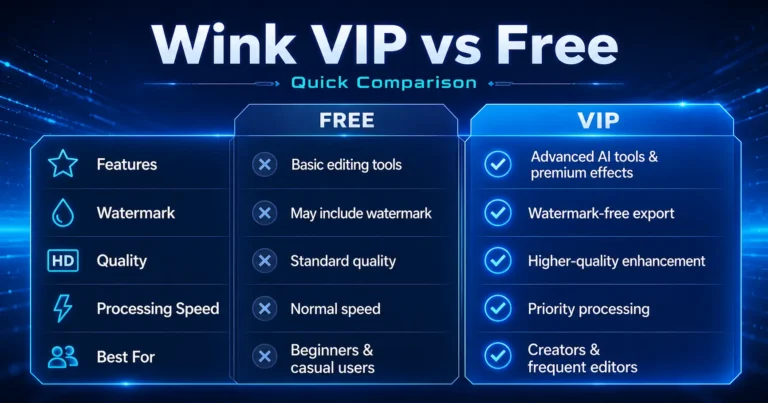
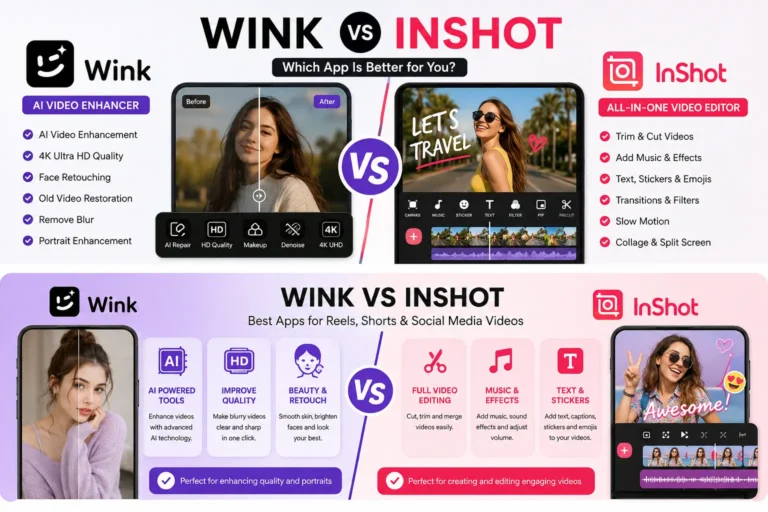
WINK is a popular free photo and video editing app designed for creating polished content. It offers AI retouching, filters, effects, beauty tools, transitions, and other easy-to-use editing features for social media. Users also download Wink MOD APK to unlock premium features for free.
Who Should Use an Editing App?
- Social media creators and page owners.
- Small businesses that post product photos.
- Students making presentations or projects.
- Anyone who wants better looking holiday and family photos.
Caller ID Apps vs Editing Apps: The Comparison
Purpose and Daily Use
A caller ID app works in the background and you barely open it. Its job is protection and information during calls. An editing app is the opposite because you open it on purpose, work inside it, and then close it.
One reacts to something happening to you. The other helps you create something.
Privacy and Data Safety
Caller ID apps mainly risk your contact list and your identity as a phone number. Editing apps mainly risk your images and videos. Both risks are real, but they affect different things.
If you care most about who can find your number, be careful with caller ID apps. If you care most about your photos, be careful with cloud based editing apps.
Storage, Battery and Speed
Caller ID apps are small, usually under 200 MB, but they run all the time in the background. Editing apps are large and can grow past 1 GB with cache and downloaded assets. Video export is one of the heaviest tasks a phone can do and it heats the device quickly.
On an older phone, an editing app will slow you down far more than a caller ID app.
Free vs Paid Plans
Both types follow the same model. The free version works but shows ads or adds limits, and the paid version removes them. In caller ID apps you pay to remove ads and see more details. In editing apps you pay to remove watermarks and unlock premium tools.
Comparison Table
| Point | Caller ID Apps | Editing Apps |
| Main purpose | Identify and block calls | Improve photos and videos |
| How often you open it | Rarely, works in background | Only when you need it |
| Sensitive data involved | Contacts, call logs, SMS | Photos, videos, camera |
| App size | Small | Large |
| Battery use | Low but constant | High during editing |
| Internet needed | Yes, for number lookup | Sometimes, for AI tools |
| Paid plan removes | Ads and limits | Watermarks and locks |
| Best for | Anyone with a phone number | Creators and businesses |
Can You Use Both Types of Apps Together?
Yes, and most people already do. They serve different needs and do not conflict with each other. A caller ID app protects your calls while an editing app helps you make content.
The only thing to watch is total storage and background activity. If your phone is old or low on space, keep one lightweight app from each category instead of three or four. Clearing the editing app cache once a month also helps a lot.
Safety Tips Before Installing Any App
- Download only from the Google Play Store or the Apple App Store.
- Check the developer name, not just the app name, because copies exist.
- Read the recent reviews rather than the overall rating.
- Look at the permissions list before you install.
- Deny any permission that has nothing to do with the app’s job.
- Turn off cloud backup if you do not need it.
- Delete apps you have not opened in the last two months.
- Keep your apps updated so security fixes reach you.
Frequently Asked Questions
Are caller ID apps safe?
They are generally safe to install from official stores, but they are not private. Most of them collect contact data to build their number database. Use them if the benefit of blocking spam matters more to you than sharing that information.
Do editing apps upload your photos online?
Basic edits like cropping and filters usually stay on your phone. AI features such as background removal, image upscaling, and style changes normally send your file to a server. Check the app’s privacy policy if you edit personal documents or private photos.
Which app type uses more storage?
Editing apps use far more storage. A video editor with cached projects can pass 1 GB, while most caller ID apps stay under 200 MB. Clearing the cache inside the editing app frees space quickly.
Can one app do both jobs?
No, and you should not want one that does. There is no good reason for a photo editor to read your call logs or contacts. An app asking for both sets of permissions is a warning sign.
Conclusion
Caller ID apps and editing apps solve two completely different problems. One protects your time and safety during calls, and the other helps you create better photos and videos. Neither is better than the other because they are not really competing.
The smart approach is to pick one trusted app from each category, grant only the permissions it needs, and review that choice every few months. Your phone stays fast, your data stays safer, and you still get the benefit of both tools. My suggestion is Truecaller premium apk or wink mod apk.